
Android · Open testing
Capzo: Screen Recorder
Capzo is a screen recorder with audio that checks your phone before you press record and tidies up after. Record your screen in HD with internal audio, your microphone or both, add a facecam, then trim and edit the video on your phone. No watermark, no time limit, no root and no account.
A look inside
What it does
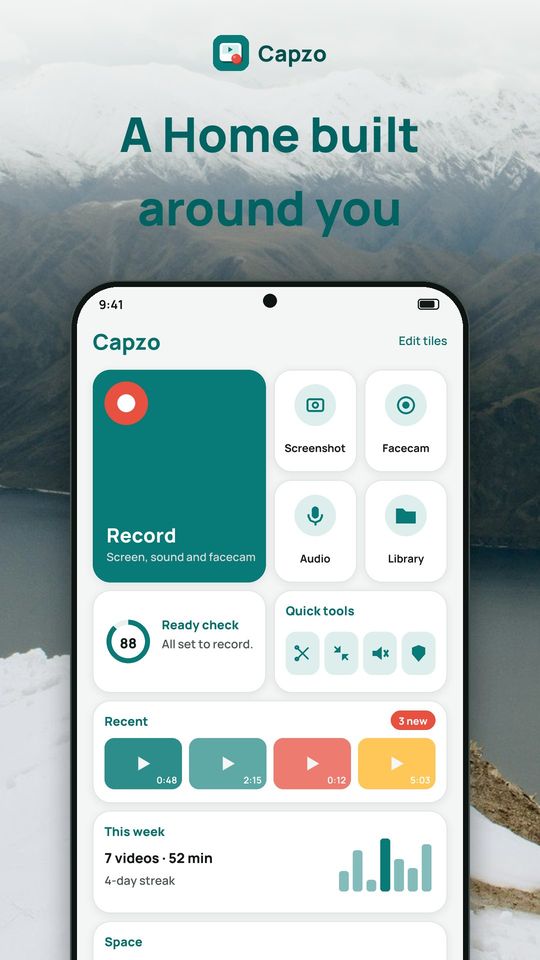
A Home that shows what matters
- Bento Home: a grid of tiles you can reorder, hide or bring back
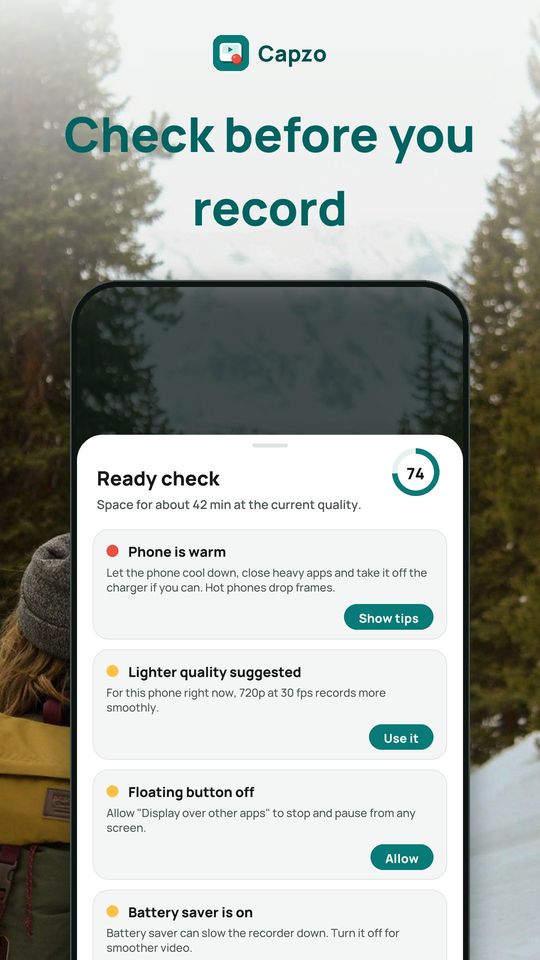
- Ready check: one score before you record, based on free space, battery, heat, battery saver and mic, overlay and notification permissions, each with a one-tap fix
- A lighter quality is suggested when the phone is hot or low on battery, and only applied when you tap it
- This week: minutes recorded per day, number of videos, total size and your streak
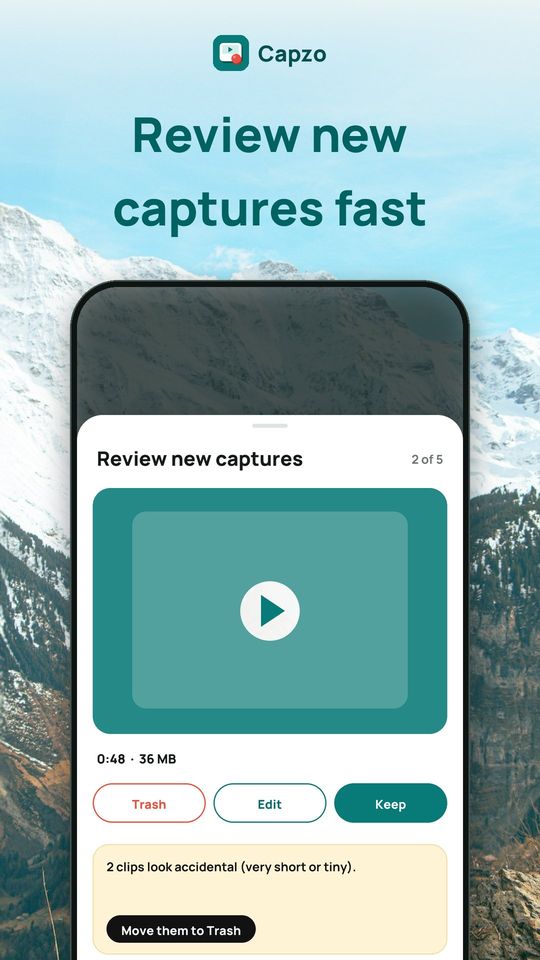
- Review queue: go through new captures one at a time, then keep, trash or edit, and sweep accidental clips in one tap
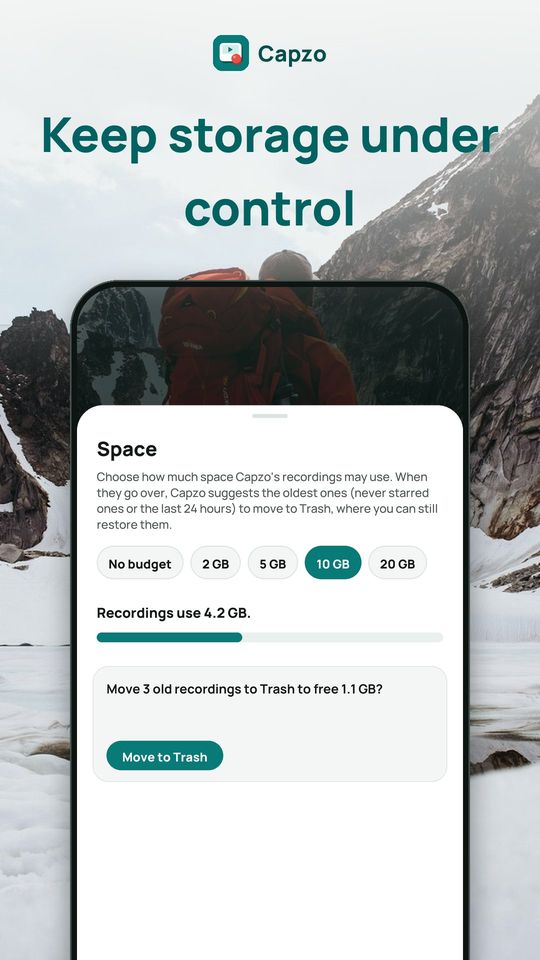
- Space budget: choose 2, 5, 10 or 20 GB, and Capzo suggests the oldest recordings to move to Trash (never starred ones or the last 24 hours)
Record your screen with audio
- 480p, 720p, 1080p or native resolution, up to 60 fps, or 90/120 fps on phones with a fast screen
- Internal audio, microphone or both, with a mic test and volume gain
- H.264, or H.265 for smaller files, plus an Auto quality mode
- Pause and resume, countdown, stop timer and auto-split for long sessions
- Record one area of the screen, or a single app on Android 14 and later
- Time-lapse, show touches and Do Not Disturb while recording
Controls while recording
- Floating button with your choice of style, size and opacity, plus a timer pill
- Invisible corner button: tap to pause, double-tap to stop, never seen in the video
- Shake to stop, or stop when the screen turns off
- Quick Settings tile, home-screen widget and shortcuts
- Facecam: move, resize, switch front or back camera, change the shape
- Draw on screen with pen, highlighter, shapes and eraser
Video editor
- Trim, cut out parts, split, merge clips and change speed
- Rotate, flip, filters, aspect ratio with a blurred background, stickers
- Crop to vertical 9:16, or to 1:1, 4:5 or 16:9
- Compress to fit chat and email limits, convert to GIF, mute or extract the audio
- Boost volume, reduce noise, voice-over and background music
- Text and .srt subtitles, blur private info, remove pauses
Free and Premium
The screen recorder is free in every quality, with no watermark and no time limit. The free version shows ads. Premium removes all ads. Plans: monthly, yearly or a one-time lifetime purchase.
Privacy
Videos, screenshots and audio stay on your phone. Capzo never uploads them, and no account is needed. Video leaves the phone only when you choose to share or send it. Saves MP4 (H.264/H.265, AAC), GIF, M4A, PNG and .srt. Install Capzo and record your screen with sound in a tap.